Meta's New UTM Parameter media_type - What It Means For Advertisers
Meta quietly added {{media_type}} to the Build URL parameter list. It lands exactly when a single ad becomes a container of 10 assets.
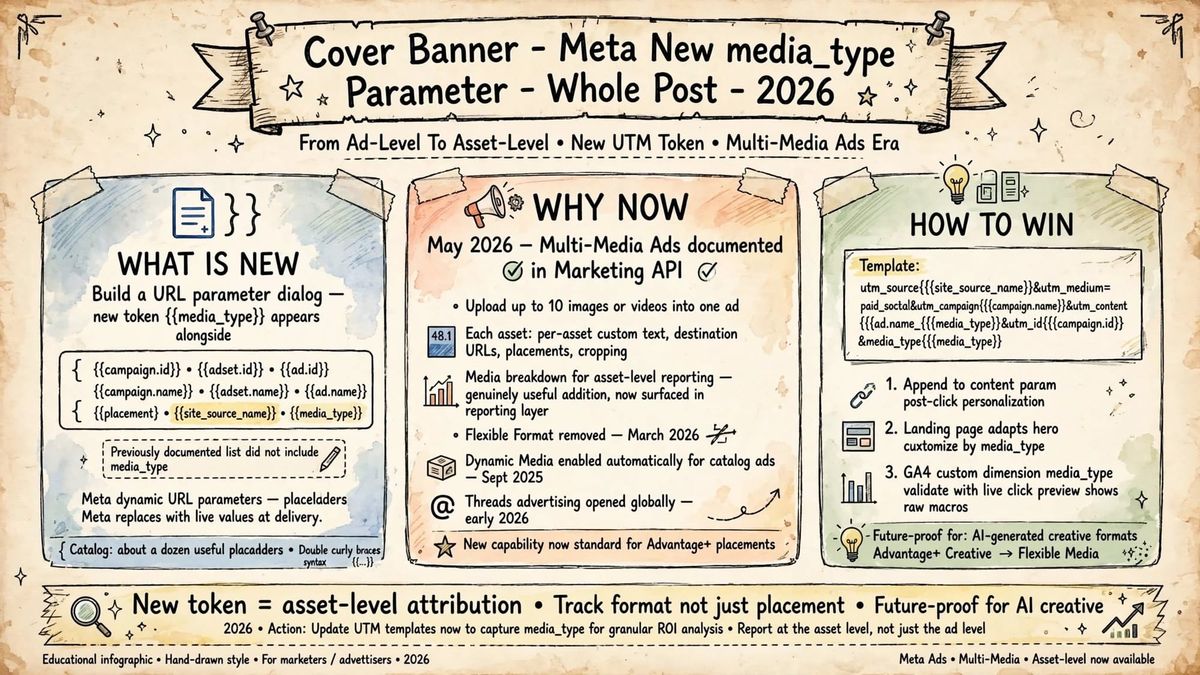
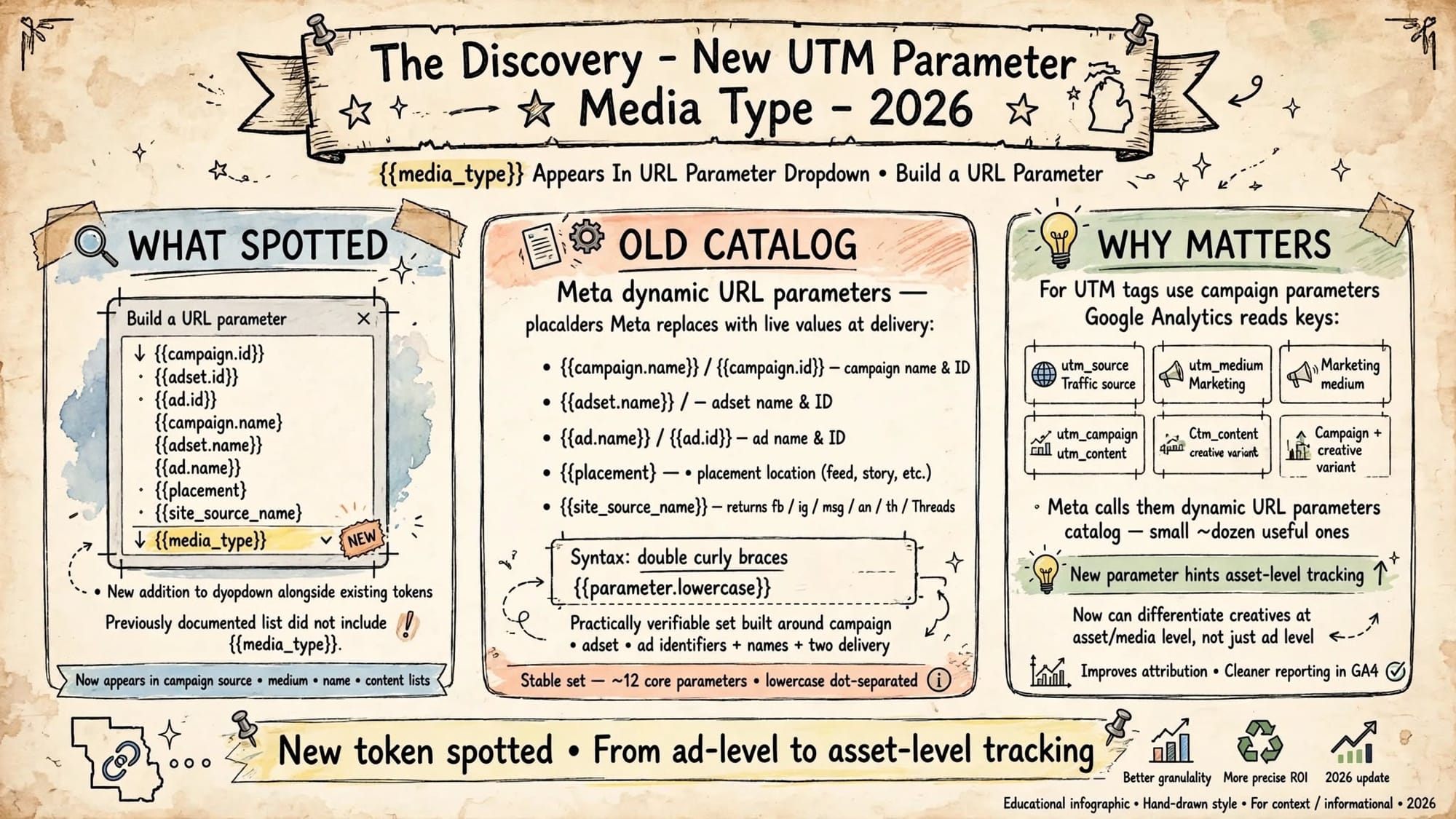
In Ads Manager, Build a URL parameter now shows {{media_type}} at the bottom of the list, under {{campaign.id}}, {{adset.id}}, {{ad.id}}, {{campaign.name}}, {{adset.name}}, {{ad.name}}, {{placement}}, {{site_source_name}} and the new {{media_type}}.
This is new. The practically verifiable set was built around campaign, ad set, and ad identifiers and names, plus two delivery parameters. Meta's dynamic URL parameters are placeholders Meta replaces with live values at delivery, like {{campaign.name}}, {{campaign.id}}, {{adset.name}}, {{adset.id}}, {{ad.name}}, {{ad.id}}, {{placement}}, and {{site_source_name}}. That old list did not include media_type.
Meta calls them dynamic URL parameters. The catalog is small, about a dozen useful ones, but the syntax is what trips people up. Double curly braces, all lowercase, dot separated path. Get it wrong and the token outputs literally.
So why add media_type now?
1. The Discovery - New Token Spotted
If you have used UTMs on Meta before, you know the pattern.
For UTM tags, use the campaign parameters Google Analytics reads as keys: always utm_source, utm_medium and utm_campaign, plus utm_content to differentiate creatives.
Practical default for most website campaigns, keep utm_medium static, use {{site_source_name}} for utm_source, use {{campaign.name}} for readable campaign reporting, use {{campaign.id}} as a stable join key in utm_id, and pass ad and ad set IDs as custom parameters.
Up to now utm_content={{ad.name}} was as granular as you could get in GA4 without manual work. Placement told you where the ad served, site_source_name told you fb, ig, msg, an, or th (Threads).
But you could not tell if the click came from the image version or the video version inside the same ad. {{media_type}} closes that gap.
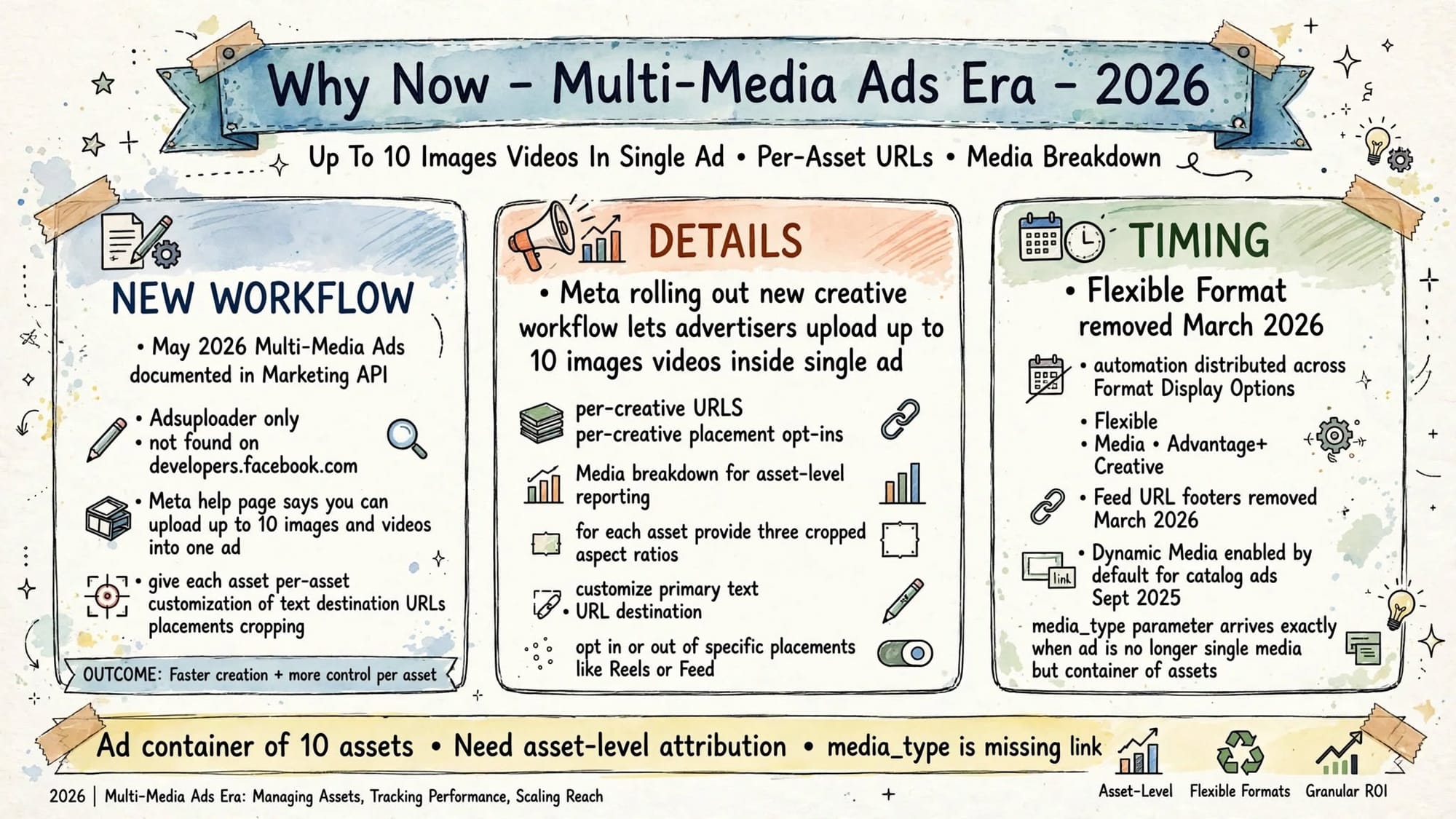
2. Why Now - Multi-Media Ads Era
Timing matters. May 2026, Multi-Media Ads documented in the Marketing API. Adsuploader reports that in May 2026 Meta documented a new Marketing API construct called Multi-Media Ads with per-asset customization of text, destination URLs, placements, and cropping.
Meta is rolling out a new creative workflow that lets advertisers upload up to 10 images and videos inside a single ad, with per-creative URLs, per-creative placement opt-ins, and a Media breakdown for asset-level reporting.
For each asset you can provide three cropped aspect ratios, customize the primary text and the URL destination, and opt in or out of specific placements like Reels or Feed.
The genuinely useful addition, hidden in the reporting layer, is a new Media breakdown under reporting for asset level performance.
Context of 2026:
- Flexible Format removed March 2026, automation is now distributed across Format Display Options, Flexible Media, and Advantage+ Creative. No more single toggle.
- Feed URL footers removed March 2026
- Dynamic Media enabled automatically for catalog ads starting September 2025
- Meta opened Threads advertising to all advertisers globally early 2026
- $14 to $15B AI infra and 11 new AI advertising tools announced at Cannes Lions 2025
An ad is no longer single media. It is a container. You need container level tracking. {{media_type}} is the missing link.
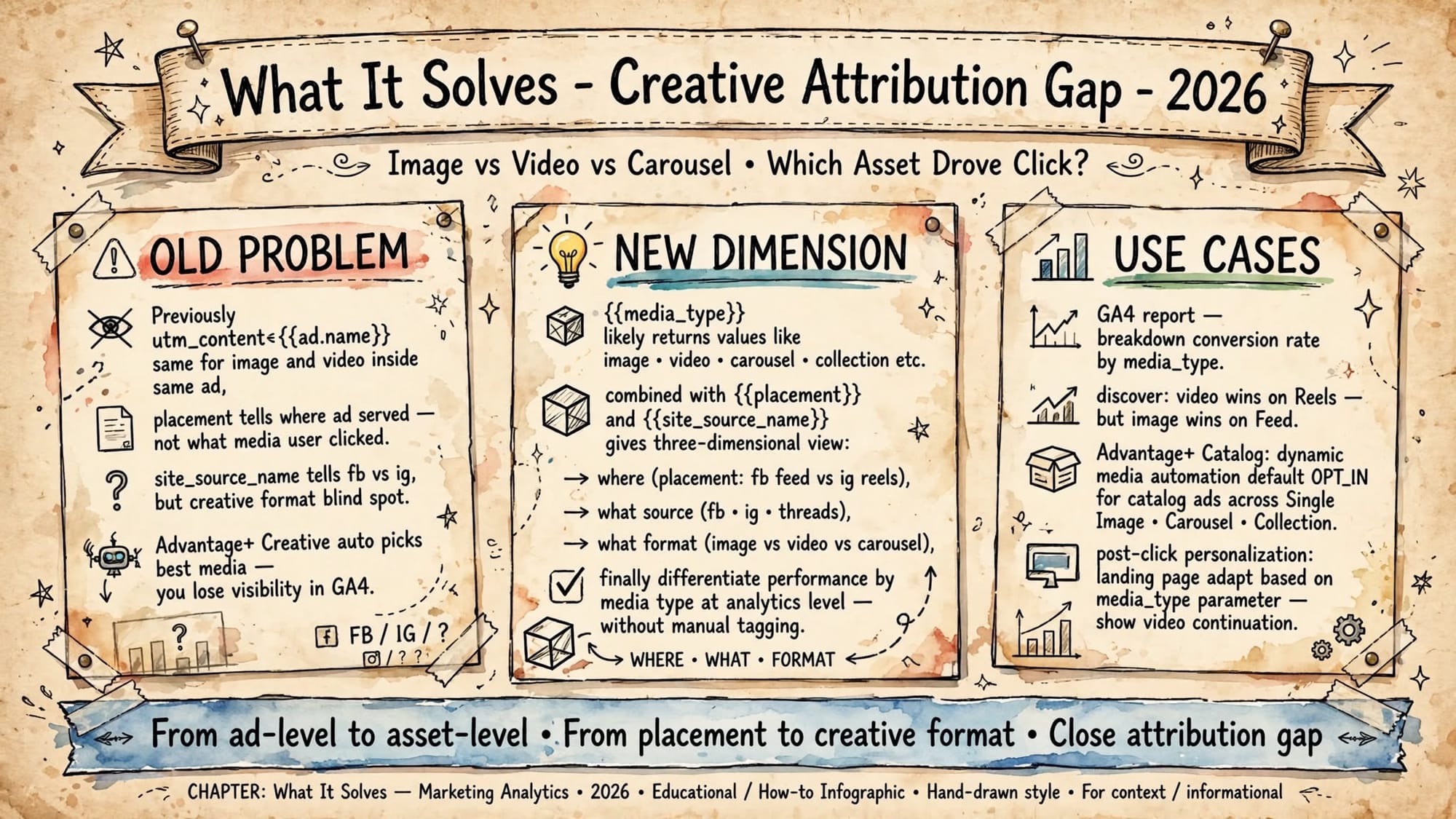
3. What It Solves - Creative Attribution Gap
Old problem: you run an Advantage+ Creative test with 3 images and 2 videos in one ad. In GA4, all 5 show as utm_content=Summer_Sale_v1. You know ad performed, but not which asset drove the click.
With {{media_type}} you get a third dimension:
- {{placement}} = where, feed, story, reels
- {{site_source_name}} = which network, fb, ig, th
- {{media_type}} = what format, likely image, video, carousel, collection, and in future ai_image, ai_video
Use cases that become possible today:
- GA4 breakdown: Conversion rate by media_type. You may find video wins on Reels but image wins on Feed.
- Creative learning: Stop guessing if video outperforms image. Measure at analytics layer without manual tagging.
- Post click personalization: Landing page reads media_type and adapts. If video clicked, continue video story. If image clicked, show static gallery. Same ad ID, different intent.
- Catalog and dynamic media: Meta announced plan to enable Dynamic Media automatically for Advantage+ Catalog ads. When Meta chooses media automatically, {{media_type}} tells you what it actually served.
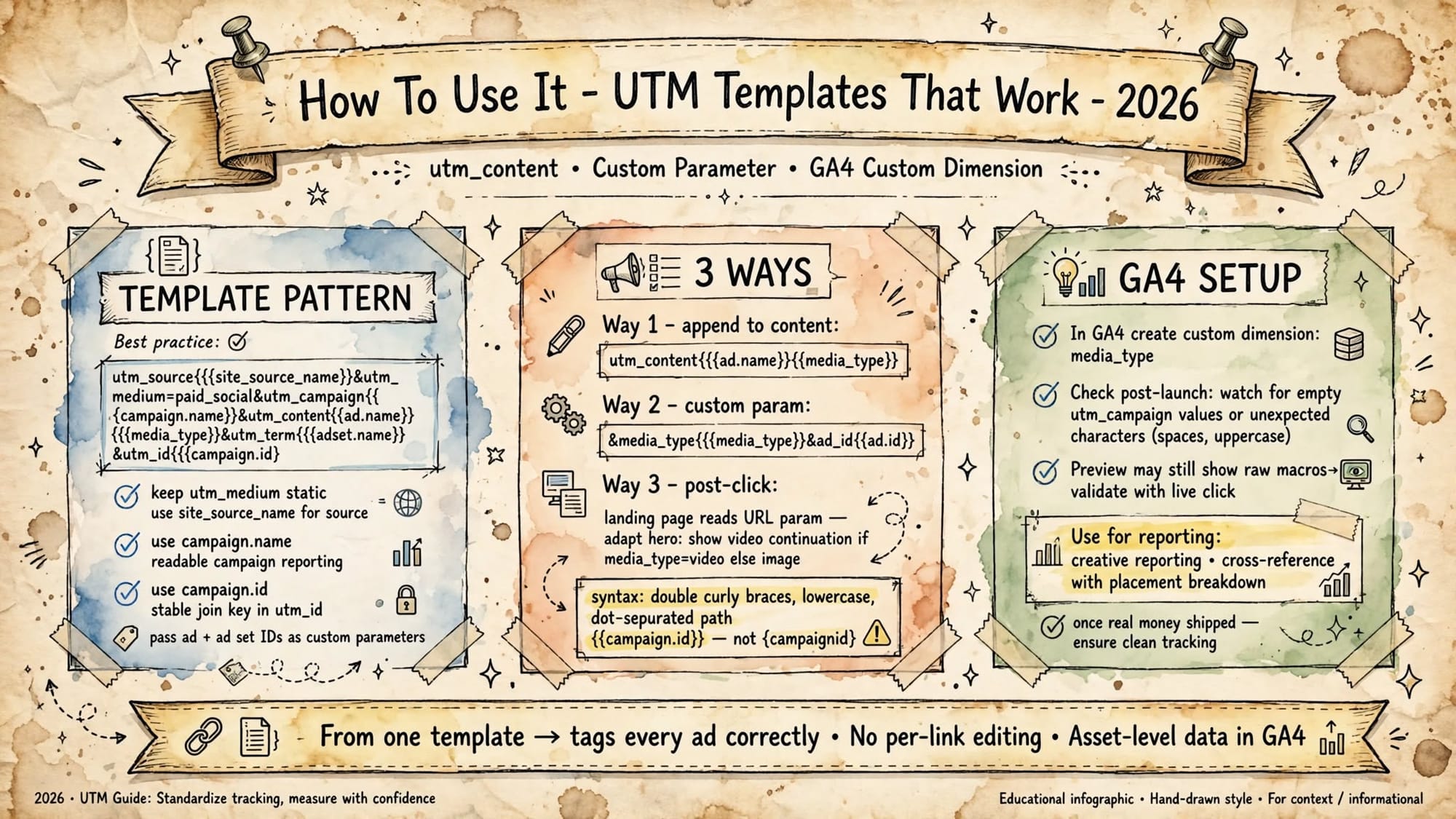
4. How To Use It - UTM Templates That Work
Meta dynamic value auto fills per ad. This string uses Meta dynamic parameters. Meta replaces {{...}} with the live campaign, ad set, and ad names at delivery, so one template tags every ad correctly, no per link editing.
Recommended template for 2026:
Code
utm_source={{site_source_name}}&utm_medium=paid_social&utm_campaign={{campaign.name}}&utm_content={{ad.name}}_{{media_type}}&utm_term={{adset.name}}&utm_id={{campaign.id}}&media_type={{media_type}}&ad_id={{ad.id}}Three practical ways:
- Way 1 - Append to content:
utm_content={{ad.name}}_{{media_type}}cleanest for GA4 reports, you keep creative name plus format. - Way 2 - Custom param:
&media_type={{media_type}}&ad_id={{ad.id}}keeps UTMs clean, adds custom dimension for data warehouse joins. - Way 3 - Post click: Use JavaScript on landing to read
media_typeparam and swap hero. Video click sees video continuation, image click sees image.
GA4 setup:
Create custom dimension called media_type. In GA4, at insertion time the preview still shows the raw macros, so skipping the post-launch GA4 check means you only discover empty utm_campaign values or unexpected characters like spaces or uppercase once real money has shipped.
Always validate with a live click. Preview shows raw macros, live shows resolved values.
Then build exploration: sessions and purchases broken down by media_type + placement + site_source_name. You finally get creative format ROI outside Ads Manager.
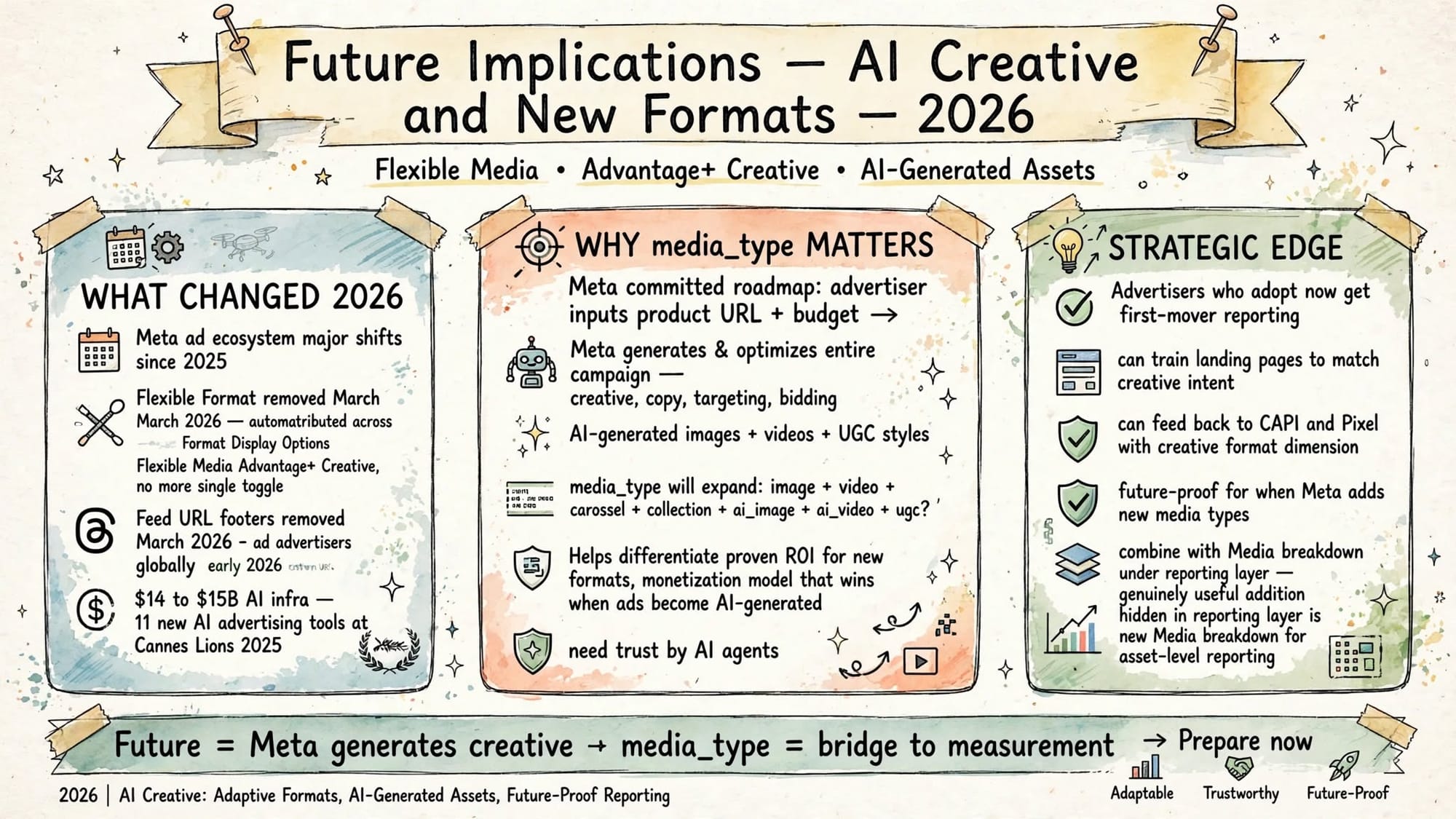
5. Future Implications - AI Creative and New Formats
Meta's stated roadmap is a system where an advertiser inputs a product URL and a budget, and Meta generates and optimizes the entire campaign: creative, copy, targeting, bidding. That was announced with 11 new AI advertising tools at Cannes Lions 2025.
If Meta generates images, videos, UGC styles, AI backgrounds automatically, your old utm_content={{ad.name}} becomes meaningless. You need {{media_type}} to differentiate proven ROI for new formats.
Expect values to expand. Today likely image, video. Tomorrow maybe:
carousel,collectionai_image,ai_video,ai_bgflexible,dynamic
Early adopters get first mover edge:
- Train landing pages to match creative intent
- Feed back to CAPI and Pixel with creative format dimension
- Future proof when Meta adds new media types
- Combine with Media breakdown under reporting layer for asset level reporting inside Ads Manager, and mirror that breakdown in GA4 via {{media_type}}
Brands that relied on monetization through advertising need trust by AI agents. Same logic applies to creative.
As creative becomes AI generated, measurement must capture format, not just placement.
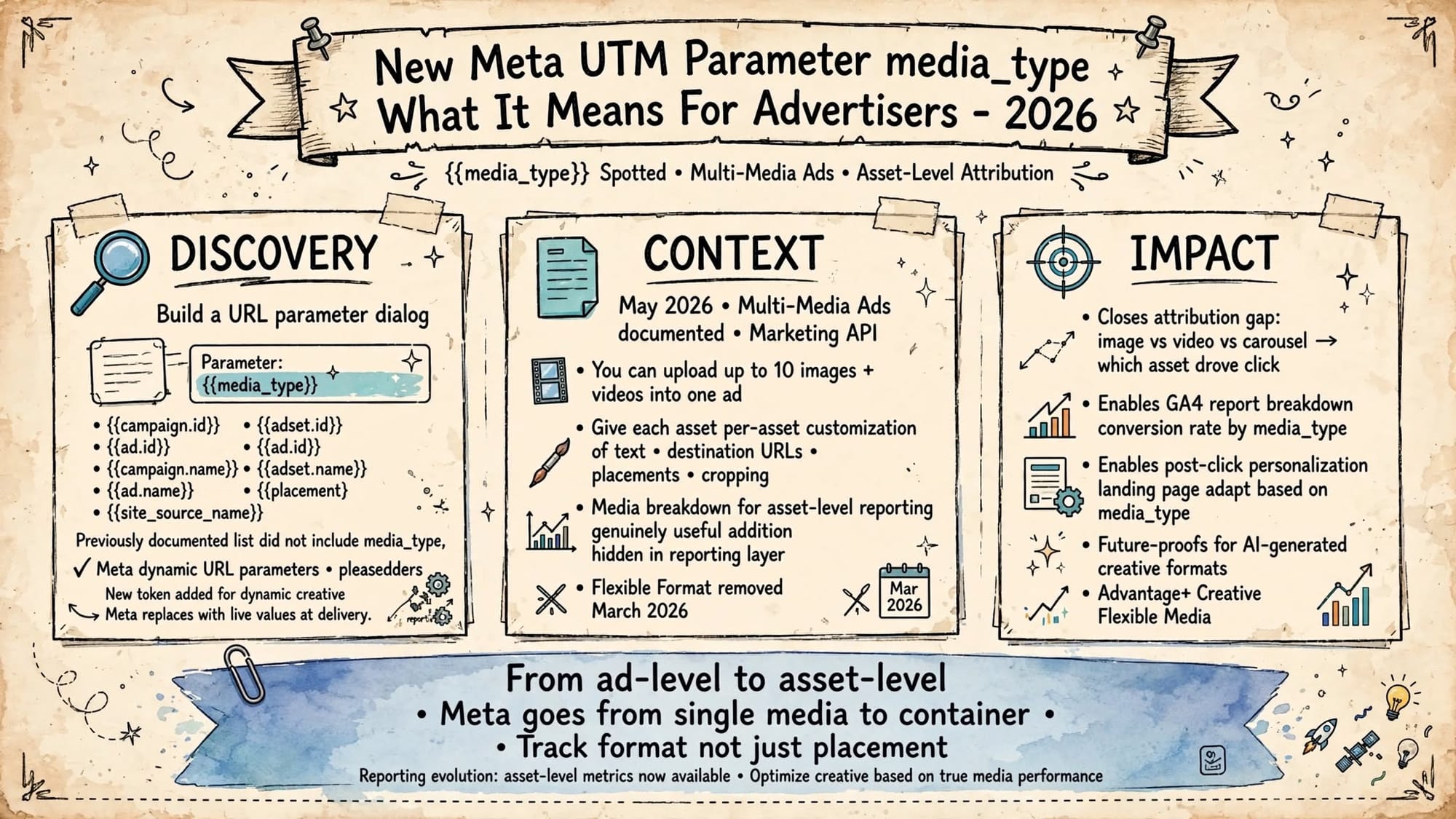
6. Title Summary - From Ad Level to Asset Level
This small token change signals a big architecture change.
Meta goes from single media to container. From Flexible Format single toggle to Format Display Options, Flexible Media, Advantage+ Creative. From ad level reporting to Media breakdown for asset level reporting.
{{media_type}} is Meta's bridge to make external analytics keep up.
Action list for this week:
- Update your global URL parameter template to include {{media_type}}
- Add media_type custom dimension in GA4 and your data warehouse
- Launch one Multi-Media Ad with 10 assets, each with per asset URL and placement opt ins, and watch media_type values populate
- Build a GA4 report: media_type vs conversion rate vs placement
- Use it for landing page personalization
The era of spray and pray creative is ending. The era of certainty and proven ROI for each asset is starting. {{media_type}} is how you track it outside Meta.